Welcome to TPJourneys.com

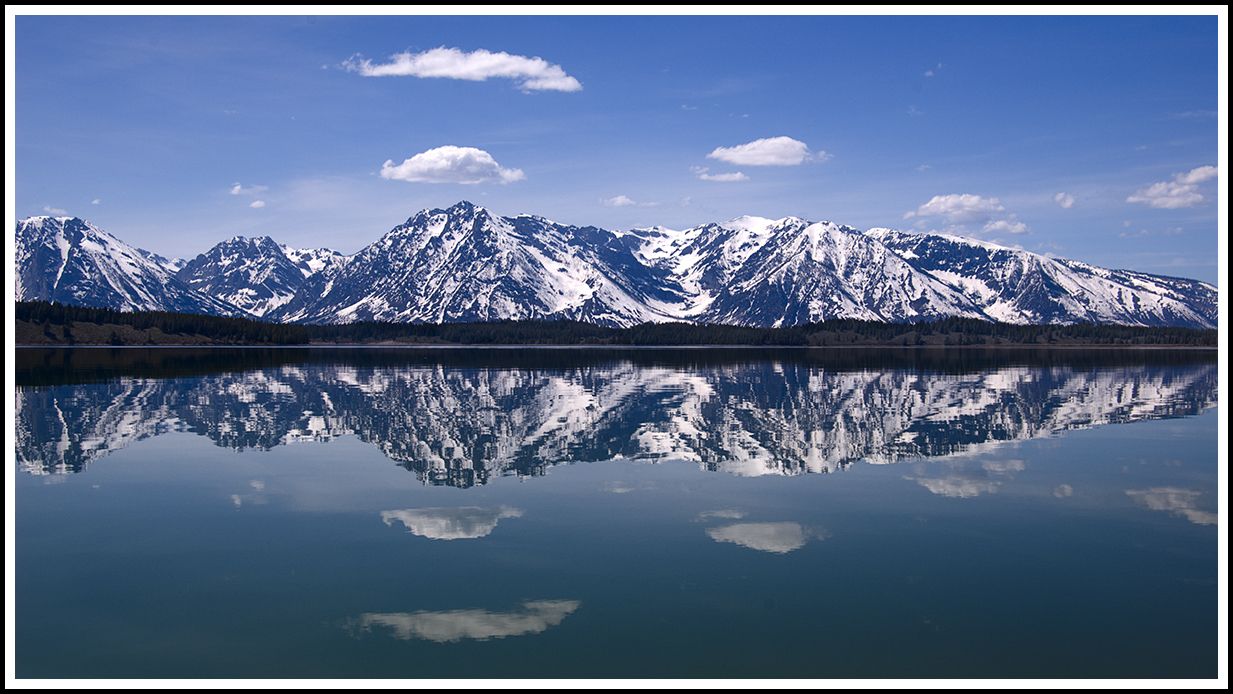
This website was developed using the Deep Zoom Composer; this allows us to share high resolution photos without the long wait for them to download.  You may be prompted to install the Silverlight plug-in. 

When you first view a Deep Zoom image, your browser displays a low-resolution version of the image and then blends in higher-resolution images as they are downloaded.  This is the reason for the blurry-to-crisp experience when you view an image created in Deep Zoom Composer.  It is also the reason that the Deep Zoom images open quickly regardless of the file size of the image.  The blurry-to-crisp behavior that you see during loading also occurs when you interact with the Deep Zoom image (for example: zooming or panning the image), and it enables you to smoothly pan and zoom a Deep Zoom image the way you would an online map, such as Google Earth.  You can use the menu buttons that appear in the image window to zoom in or out.  You can also use your mouse wheel to zoom in and out.  Click and hold the left mouse button to drag the image around if you wish.  There is a full-screen button as well.  Zoom in.  Get Close.  Enjoy.

(deepzoomarea)